
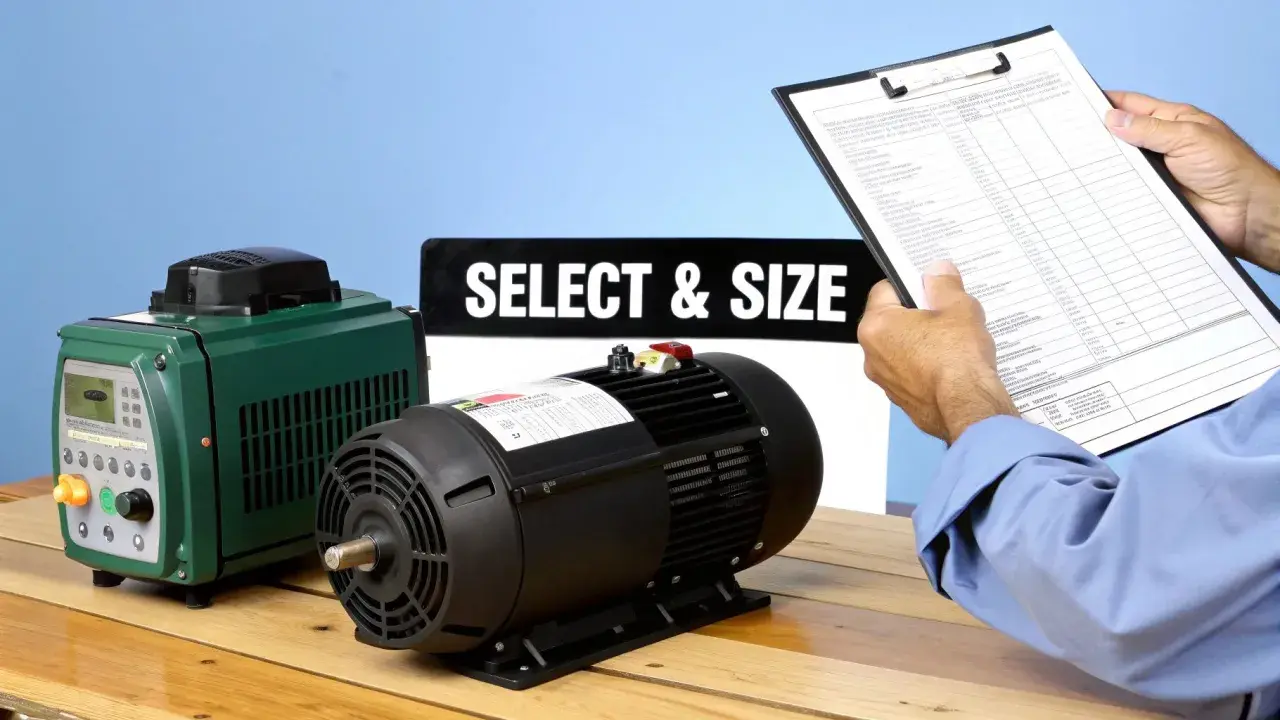
A drive can make a motor sound almost silent or annoyingly sharp, and the difference is often the carrier setting rather than the speed command itself. The vfd carrier frequency is the PWM switching rate at the output stage, and it has a direct effect on motor noise, drive heating, cable stress, and how smooth the machine feels at low speed. In motion control work, that one parameter is often the quickest way to balance acoustics against thermal headroom.
The practical balance is quiet enough, cool enough, and stable enough
- The carrier setting is the PWM pulse rate, not the motor speed command.
- Higher values usually reduce audible noise but raise switching losses and thermal stress.
- Long motor cables, filters, and poor enclosure cooling push you toward lower settings.
- Motion control machines usually benefit from the lowest setting that is still acceptable to operators.
- If you need silence, filters and cable discipline often help more than simply pushing the frequency higher.
What the carrier setting actually changes
The easiest way to think about it is this: the output frequency tells the motor how fast to run, while the carrier setting tells the drive how to build that output from fast PWM pulses. The motor never sees a perfect sine wave; it sees a synthesised waveform made from rapid switching events. When those events happen more often, the waveform is smoother electrically, but the inverter works harder to create it.
| Parameter | What it controls | What you notice on the machine |
|---|---|---|
| Output frequency | Motor speed and torque demand | The shaft spins faster or slower |
| Carrier frequency | How the drive switches its DC bus into PWM pulses | Noise, heat, EMI, and waveform smoothness |
That distinction matters in motion control because people often blame the wrong setting. If a conveyor sounds harsh at crawl speed, the carrier frequency may be part of the story, but so can motor mounting, gearbox lash, or a mechanical resonance in the frame. Once you separate the speed command from the switching pattern, the rest of the tuning becomes much more logical.
The next question is not what the parameter does in theory, but what changes when you move it up or down on a real machine.
What changes when you raise or lower it
I usually judge the setting by three symptoms: the motor’s whine, the drive’s temperature, and whether the machine starts to feel rough at low speed. Human hearing is less sensitive above roughly 2,000 Hz, so pushing the carrier up can move the noise away from the most irritating band. The catch is that extra switching work does not disappear; it shows up as heat in the drive and, in some installations, more stress on cables and insulation.
| Carrier band | Typical effect | Best use case | Main risk |
|---|---|---|---|
| 2-4 kHz | Most audible, coolest inverter operation | Hot enclosures, long cable runs, filtered outputs | High-pitched whine and more noticeable vibration |
| 6-8 kHz | Balanced compromise | General motion control and mixed-use machinery | Moderate extra switching loss |
| 10-16 kHz | Quietest to the ear in many applications | Quiet work areas, short motor leads, strong cooling | More drive heating, possible derating, tighter electrical limits |
In the manuals I checked, adjustable ranges commonly sit somewhere between 0.5 kHz and 20 kHz, but that does not mean the top end is appropriate for every installation. If a dV/dt filter or sine-wave filter is fitted, the usable ceiling can be much lower, and long motor cables often push you back down the scale. The right setting is therefore not “highest available”; it is “highest that still leaves enough thermal and electrical margin.”
That tradeoff is why a carrier setting that looks fine on a bench can become a poor choice once the machine is enclosed, loaded, and running for a full shift.
How I would choose a setting for motion control
For motion control, I start with the actual user experience rather than the parameter screen. If the machine sits near operators, even a modest whine can become a daily complaint. If the axis is doing precise indexing or low-speed positioning, a rough acoustic signature can also be a hint that the waveform is not helping the motor behave as smoothly as it should.
- Start with the lowest carrier setting that does not create objectionable noise in the real work area.
- If the machine is near people, increase only enough to make the sound acceptable, not silent at any cost.
- If the drive is already running warm, improve cooling first and only then consider a higher setting.
- If the motor cable is long, treat the carrier setting as secondary to cable quality, grounding, and output filtering.
- If the noise appears only at one narrow speed band, suspect resonance before you keep raising the switching rate.
- If the axis is low-speed and load-sensitive, test the setting at crawl speed and at settle, not just at mid-range.
My practical rule is simple: choose the lowest setting that the machine can live with. Higher is not automatically better, and in motion control the extra quietness can be outweighed by reduced thermal margin or a harder electrical life for the motor. The place where this advice fails is when the installation itself sets a hard ceiling, which is where many teams lose time.
When a higher setting backfires
A higher switching rate can sound appealing because it reduces audible noise, but it can also create hidden costs. Every extra switching event adds loss inside the inverter, so the drive runs hotter and may need derating if the ambient temperature is already high. The same setting can also make the motor and cable system less forgiving, especially when the installation has long leads or limited filtering.
- Drive heating increases, which can lead to nuisance trips or reduced current capacity.
- Motor insulation and bearings see a harsher electrical environment, especially when cable length is long.
- EMI and leakage-current problems can become more visible in a tightly packed cabinet.
- Output filters may stop doing their job if the carrier setting is above the limit they were designed for.
- Some motors simply become quieter, but the installation overall becomes less robust.
That is why I treat filters and cabling as part of the carrier-frequency decision, not as an afterthought. A dV/dt filter, output reactor, or sine-wave filter can be a better answer than forcing the drive into a higher band just to remove whine. If the machine needs both quiet operation and long cable runs, I would rather solve the electrical path properly than let the keypad setting carry all the responsibility.
Once you know the limits, the remaining work is less about theory and more about a disciplined commissioning sequence.
A site-ready tuning sequence that avoids false fixes
When I tune a drive on site, I try not to judge the result too early. A 30-second test can hide thermal rise, and a no-load run can hide resonance or bearing noise that only appears once the machine is under process load. I want the setting to survive the worst case, not just the easy one.
- Confirm the noise source first. Make sure the whine is coming from the motor or drive, not a gearbox, fan, panel, or loose machine frame.
- Check the installation limits. Note the motor cable length, whether a filter is fitted, and the allowable switching frequency in the drive and filter documentation.
- Run the machine at representative load long enough to stabilise. I want the real thermal and acoustic behaviour, not a brief bench impression.
- Adjust in small steps. Move the carrier setting up or down one step at a time and listen for both noise reduction and new resonance.
- Watch temperature and trips together. If the sound improves but the heatsink climbs too far or the drive starts to complain, stop there.
If a setting changes the pitch but not the problem, you may be hearing a structural resonance rather than a pure electrical effect. In that case, changing the carrier frequency can still help, but it should be treated as part of a wider fix that may include stiffer mounting, better cable routing, or a filter. The final piece is a commissioning record that keeps the good setting from being forgotten or overwritten later.
The checks I keep on the commissioning sheet
Before I sign off a machine, I make sure the record captures the chosen carrier setting, the cable length, any filter model, the ambient temperature, and the load condition at which the setting was validated. That turns a tuning decision into something the next engineer can trust, and it makes later troubleshooting much faster. It also helps when the machine is revisited months later and someone wonders why the quietest setting was not the one that stayed in service.
- Motor cable length and whether the cable is shielded.
- Any dV/dt, reactor, or sine-wave filter in the output path.
- Drive enclosure temperature and available airflow.
- Sound level and machine behaviour at the worst operating speed.
- Motor temperature after steady operation, not just after startup.
In practice, I treat carrier frequency as a balancing act: quiet enough for the workspace, low enough to keep the inverter healthy, and conservative enough to survive the real duty cycle. That is the difference between a drive that sounds good on day one and a drive that still behaves well after a long cable install, a hot shift, and a change in production load.
