
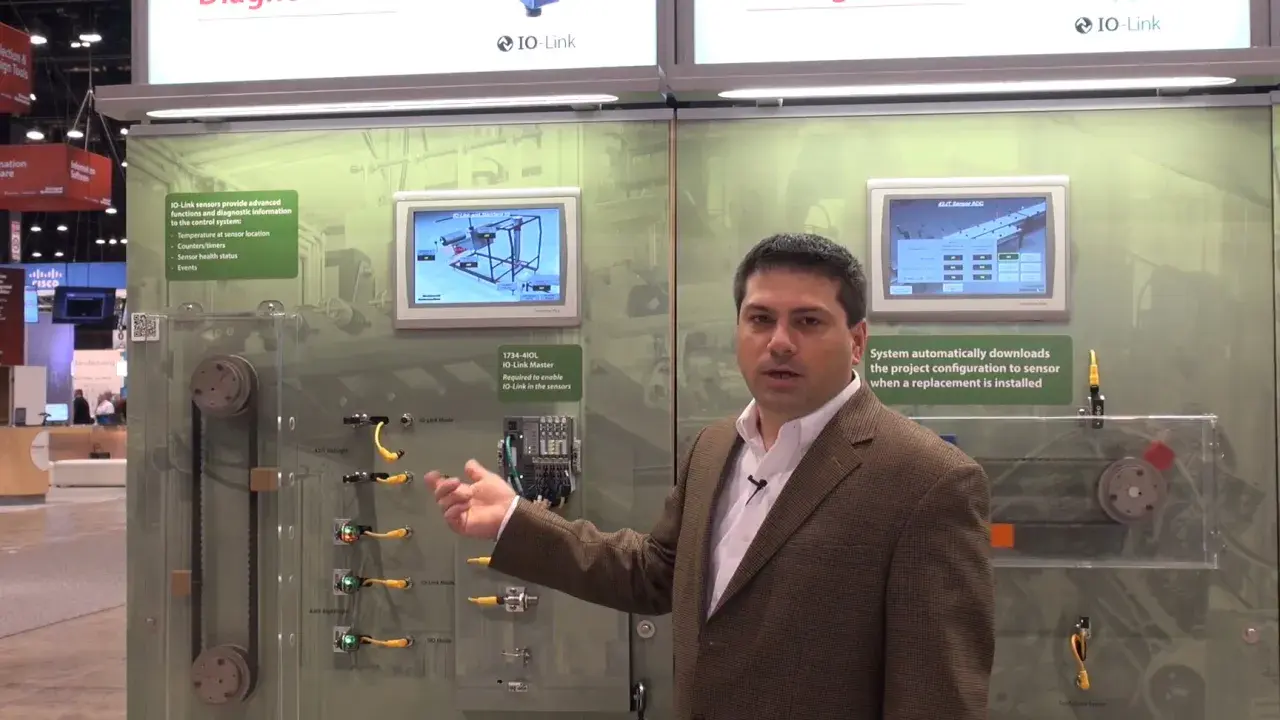
An IO-Link master on EtherNet/IP is the piece of hardware that makes smart field devices genuinely useful inside a PLC project without turning the machine into a wiring puzzle. I usually think of it as a bridge, but that is only half the story: it also manages device data, diagnostics, parameterisation, and replacement behaviour in a way that plain digital I/O never will. If you are evaluating one for a new build or a retrofit, the real questions are port class, power budget, integration effort, and how much downtime it can save when a device fails.
The short version for an integration decision
- IO-Link is a point-to-point device interface; EtherNet/IP is the network path back to the controller.
- The master translates between the two, so PLC mapping matters as much as the physical ports.
- Class A and Class B ports are not interchangeable once device power demand increases.
- Standard IO-Link cabling is typically unshielded and limited to 20 m, so layout still matters.
- IODD support is what turns replacement and diagnostics into a real operational advantage.
- This architecture pays off most when uptime, changeovers, and diagnostics matter more than the cheapest possible input block.
What an IO-Link master on EtherNet/IP actually does
The cleanest way to understand the device is to separate the two layers. On the field side, the master talks to sensors and actuators over IO-Link, which is a point-to-point interface rather than a fieldbus. On the network side, it appears as a participant on the EtherNet/IP network and exchanges data with the controller. In other words, it sits between very simple wiring at the edge of the machine and structured industrial Ethernet above it.That split matters because the controller does not need to speak to every sensor directly. The master aggregates process data, handles port mode, and exposes the relevant information in a form the PLC can use. In most systems, the PLC or controller acts as the scanner or originator, while the master behaves like the adapter or target. That is the model I keep in mind when I want to predict how the project will behave under load, during startup, and during fault recovery.
I also like the fact that the architecture does not force every field device to become an Ethernet node. The result is less complexity at the edge and a clearer control story upstream, which is exactly why this setup shows up so often in packaging, conveyor systems, intralogistics, and other lines where many small devices matter. Once that basic structure is clear, the next question is why teams choose it in the first place.
Why it earns its place in real machines
I do not recommend this architecture because it sounds modern. I recommend it when it solves a real operational problem. In practice, it tends to pay off in four places:
- Faster device replacement. With IODD-backed identification and parameterisation, swapping a sensor is less like a re-commissioning event and more like restoring a known configuration.
- Better diagnostics. Instead of just seeing an input stuck on or off, you can often see warnings, measurement quality, port status, or device-specific health data.
- Cleaner machine wiring. One master can gather multiple smart devices near the machine and carry the information upstream over a single Ethernet connection.
- Mixed device support. Many masters can treat ports as IO-Link, DI, or DQ, which gives you more flexibility when the machine changes after the original design.
That combination is particularly useful in UK plants where downtime is expensive and maintenance teams want quick, repeatable recovery rather than a different wiring scheme on every machine revision. I would not use it just to avoid a few terminals, but I would use it whenever diagnostics and changeover speed have measurable value. That leads directly into the part that most project teams underestimate: how the data path is actually built.
How the data path works from sensor to PLC
According to ODVA’s EtherNet/IP materials, explicit messaging and implicit messaging solve different jobs, and that is the easiest mental model to use here. Explicit traffic is the request-response side of the system, while implicit traffic carries cyclic I/O data at regular intervals. Once you understand that split, commissioning stops feeling mysterious and starts looking like a normal industrial Ethernet task.
On the field side, the wiring is still refreshingly ordinary. The IO-Link Community’s design guidance keeps the physical layer simple: a master usually uses a 5-pin M12 socket, standard 3- or 5-core cable is acceptable, and the cable length is typically limited to 20 m. That is enough for most machine layouts, but it also means you cannot treat the cable run as an afterthought. If the device is too far away, or the cable route is sloppy, the project starts losing the benefit of the technology before it is even commissioned.
In a working system, the sequence usually looks like this:
- The device connects to a port that is configured as IO-Link, DI, or DQ.
- The master reads the device identity and its IODD description, then exposes the right parameters and process data.
- The PLC exchanges cyclic process data over EtherNet/IP for normal machine operation.
- Diagnostics and parameter changes move as explicit traffic when needed.
- Maintenance can replace a device, restore its settings, and get the line back without manually rebuilding the configuration from scratch.
How to choose the right master for the job
When I specify one of these devices, I start with the boring questions first. They are boring only until they cause a commissioning delay. The right master is the one that matches power, topology, diagnostics, and controller integration without creating hidden constraints later.
| What I check | What good looks like | Why it matters |
|---|---|---|
| Port class support | Class A for standard sensors, Class B when devices need separate actuator power | Avoids wiring incompatibility and underpowered outputs |
| Current per port | A clear published budget, often around 200 mA per Class A port, with vendor-specific limits for Class B | Prevents nuisance resets and unreliable actuators |
| Port count | Enough active ports plus spare capacity for line changes | Stops you from filling the cabinet with add-ons too early |
| IODD and device support | Easy import, device recognition, and parameter backup | Makes replacement and troubleshooting actually useful |
| EtherNet/IP integration | Clean controller mapping and solid conformance evidence | Reduces risk when the master has to join a multi-vendor system |
| Physical form factor | Cabinet-mounted or IP65/67 machine-side housing, depending on the layout | Affects cable length, protection level, and installation effort |
There is one detail I would not gloss over: Class B ports are not just Class A ports with a nicer label. They add extra supply capability and use pins 2 and 5 for that purpose, which means the device and cable have to be matched properly. If the load is a valve island, a light stack, or another higher-demand device, I check the total current budget before I check anything else. That simple discipline avoids a lot of mystery failures later on, and it leads into commissioning, where most of the value is won or lost.
Commissioning without the usual delays
The fastest projects are the ones where commissioning is treated as configuration work, not just wiring work. Once the cabinet is landed and the devices are connected, I usually work through the setup in this order:
- Set the EtherNet/IP address and confirm the master appears correctly to the PLC or engineering station.
- Assign each port its correct role: IO-Link, DI, or DQ.
- Import the IODD so the engineering tool understands device identity, data format, and parameters.
- Verify process-data mapping and confirm that the controller sees the values in the right order and scaling.
- Check the power budget under real load, not just on paper.
- Test replacement on at least one port before handover so you know the restore path works in practice.
The IODD is not a nice-to-have accessory. It is what turns the master from “a box that passes bits” into a platform that remembers what the device is, how it is configured, and what diagnostic data it can expose. If that file handling is weak, the whole project feels clumsier than it should. I also like to verify the web interface, if the master has one, because local diagnostics are often faster than jumping straight into the PLC project.
One more practical point: if the master supports parameter storage or automatic restore, enable it early and document it clearly. That is the kind of feature people only appreciate when a shift is standing around waiting for a line to restart. Once the commissioning path is stable, the remaining problems are usually self-inflicted, which is what the next section is about.
The mistakes I see most often
Most of the bad installs I have seen do not fail because the technology is weak. They fail because someone assumed the master would hide every design decision. It will not.
- Treating IO-Link like a network. It is a point-to-point field interface, not a routable IP layer, so you still need a proper Ethernet design upstream.
- Ignoring the power budget. A port may be physically compatible but still electrically unsuitable once the device starts drawing real load.
- Forgetting the 20 m cable rule. A neat cabinet layout is not a substitute for staying inside the physical limits of the specification.
- Assuming every port behaves the same. Class A and Class B differ in both wiring and power handling, so the port map must be explicit.
- Buying for features you will not use. If diagnostics, backup, and device swap support are weak, the savings disappear fast during commissioning and maintenance.
- Leaving security to chance. IO-Link itself does not create an IP security problem, but the EtherNet/IP side still needs segmentation, access control, and disciplined engineering access.
In my experience, most “protocol problems” are actually power, port-mode, or integration problems. That is good news, because it means the fix is usually in the design, not in the hardware. If you lock down the requirements early, the device itself is usually straightforward to live with.
What I would lock down before placing the order
Before I approve a purchase, I want five things written down in plain language: the number of ports, the split between Class A and Class B, the current budget per port, the required diagnostics, and the exact PLC integration model. If any of those points are vague, the project usually pays for that vagueness later in extra commissioning time.
- How many devices need IO-Link, and how many can stay as simple DI or DQ.
- Whether any device needs extra actuator power on a Class B port.
- Whether the device replacement flow must be automatic or can be manual.
- How much diagnostics the maintenance team will actually use, not just admire in a demo.
- Whether the master needs cabinet mounting, machine mounting, or a protected IP65/67 layout.
If the answer to those questions points towards smarter diagnostics, faster swap-out, and cleaner machine wiring, an EtherNet/IP-connected IO-Link master is usually a strong choice. If the answer is just “we need a few inputs,” then I would resist the temptation to over-engineer the solution and stay with simpler I/O. The right decision is the one that reduces downtime and complexity where it matters, not the one that looks most impressive on the datasheet.
